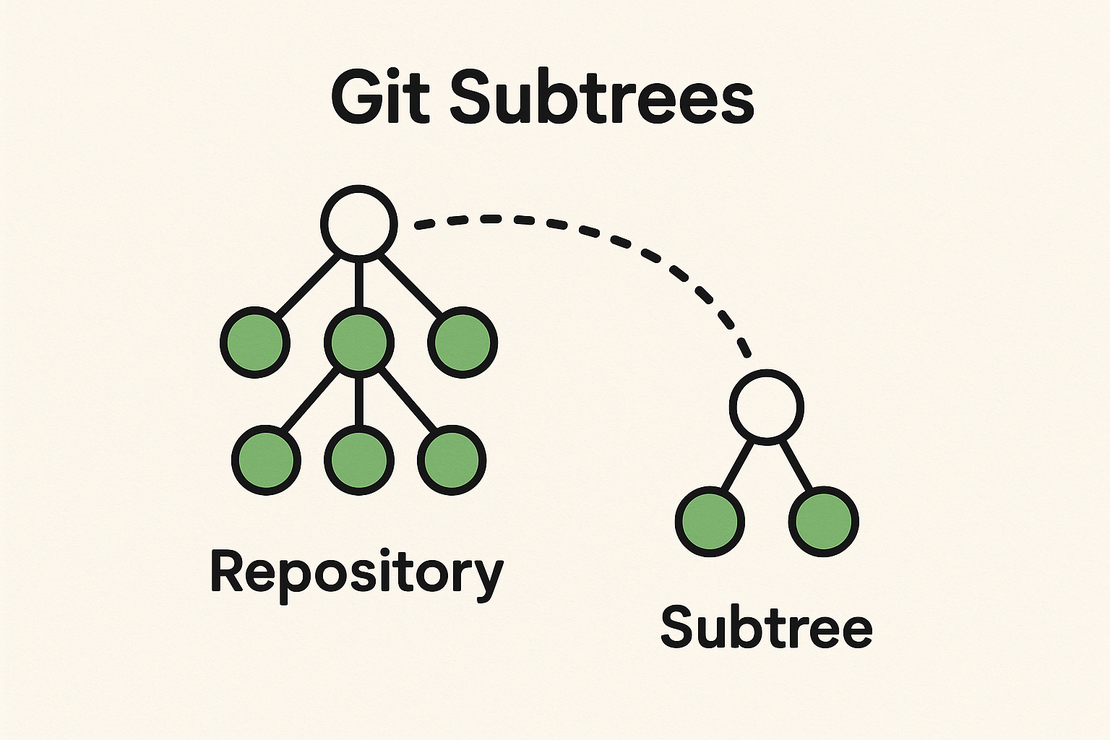
🌳 Understanding Git Subtree — A Simpler Way to Manage Multiple Repositories
- James Malarkey
- Source controls
- October 31, 2025
Table of Contents
If you’ve ever needed to include another repository inside your main project — maybe a shared library, a theme, or a microservice — you’ve probably run into Git Submodules or Git Subtrees.
While submodules are notorious for being confusing and fragile, Git Subtree offers a much simpler, more reliable way to manage dependencies between repositories. Let’s break down what it is, how it works, and when to use it.
🚀 What Is Git Subtree?
git subtree lets you embed one Git repository inside another, while keeping both histories intact.
It’s like saying:
“I want this folder in my project to actually come from another Git repository — and I want to be able to pull and push changes between them.”
Unlike submodules, which store only a reference (pointer) to another repo, subtrees actually store the external repo’s code inside your main repo — which means no special commands are needed when cloning or building.
🧠 Why Use Git Subtree?
Here are the main reasons developers prefer git subtree over submodules:
| Feature | Git Submodule | Git Subtree |
|---|---|---|
| Clone complexity | Requires --recurse-submodules | Just git clone |
| Works offline | ❌ No (needs submodule repo) | ✅ Yes |
| Keeps full history of subproject | ❌ No | ✅ Yes |
| Easy to update / push | ❌ Often painful | ✅ Straightforward |
| IDE / CI/CD compatibility | ⚠️ Needs special config | ✅ Works out of the box |
In short: Subtrees are easier, safer, and more self-contained.
🛠️ Example: Adding a Subtree
Let’s say you have two repositories:
- Main project:
my-app - Shared library:
shared-utils
You want to include shared-utils in your my-app repo under a folder called libs/shared-utils.
Step 1: Add the subtree
git remote add shared-utils https://github.com/yourname/shared-utils.git
git subtree add --prefix=libs/shared-utils shared-utils main --squash
What this does:
--prefixspecifies where to put the code in your repo.shared-utilsis the remote name.mainis the branch you’re importing.--squashmerges the entire history ofshared-utilsinto one commit (optional but keeps things cleaner).
🔁 Updating the Subtree
If changes happen in the shared-utils repository, you can pull updates into your project like this:
git subtree pull --prefix=libs/shared-utils shared-utils main --squash
This fetches new commits from the external repo and merges them into your folder.
📤 Pushing Changes Back
If you make updates inside libs/shared-utils and want to send them back to the original repo:
git subtree push --prefix=libs/shared-utils shared-utils main
This extracts your changes and pushes them upstream — without breaking your main repo’s history.
🧩 When Should You Use Git Subtree?
Git Subtree is ideal when:
- You maintain multiple projects that share code (e.g., shared SDKs, UI kits, or helper libraries).
- You want to avoid submodule headaches.
- You want all code in one place for simplicity, but still keep separate repositories for modularity.
⚠️ When Not to Use It
- If you only need to reference another repo without committing its code.
- If you’re using a monorepo tool (like Nx, Lerna, or Turborepo) that already handles shared packages.
🧭 Summary
| Situation | Best Tool |
|---|---|
| You want a separate repo, but clone everything together | Git Subtree |
| You want to keep repos completely separate and linked by reference | Git Submodule |
| You want all projects under one root with tool-based management | Monorepo tools |
✅ Key Takeaways
git subtreeembeds one repo inside another — no extra setup needed after cloning.- You can add, pull, and push between repos easily.
- It’s simpler, safer, and more CI-friendly than submodules.
- Perfect for teams managing reusable code without adopting a full monorepo.